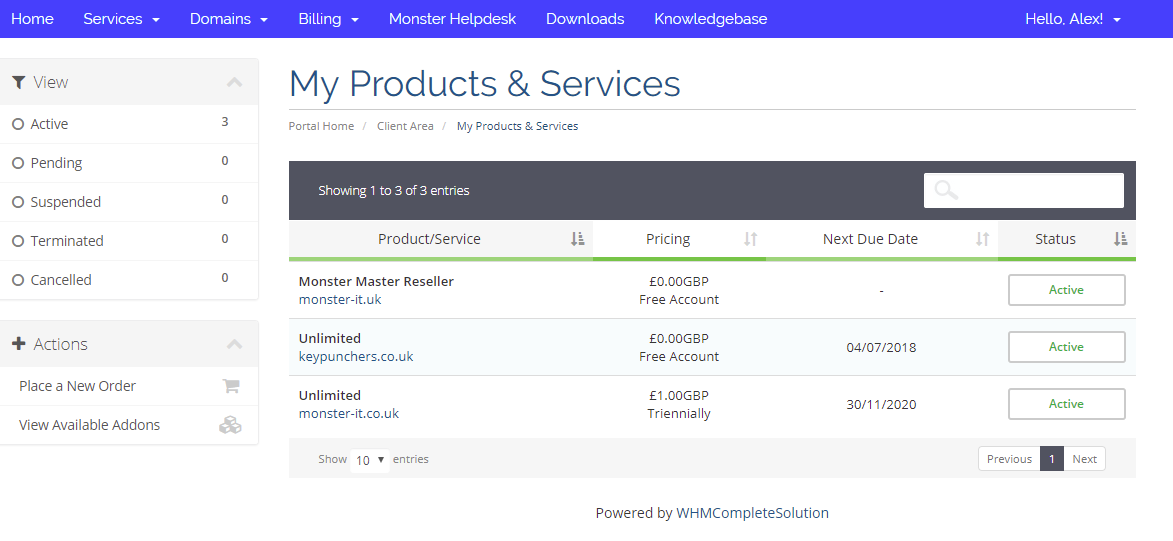
On the top menu click on Service then "My Services". This will bring you to the "My Products & Services" page. Where it will display what current products and services you have with us. Next thing to do is click on your desire control panel. For example We click on "Unlimited" "keypunchers.co.uk".
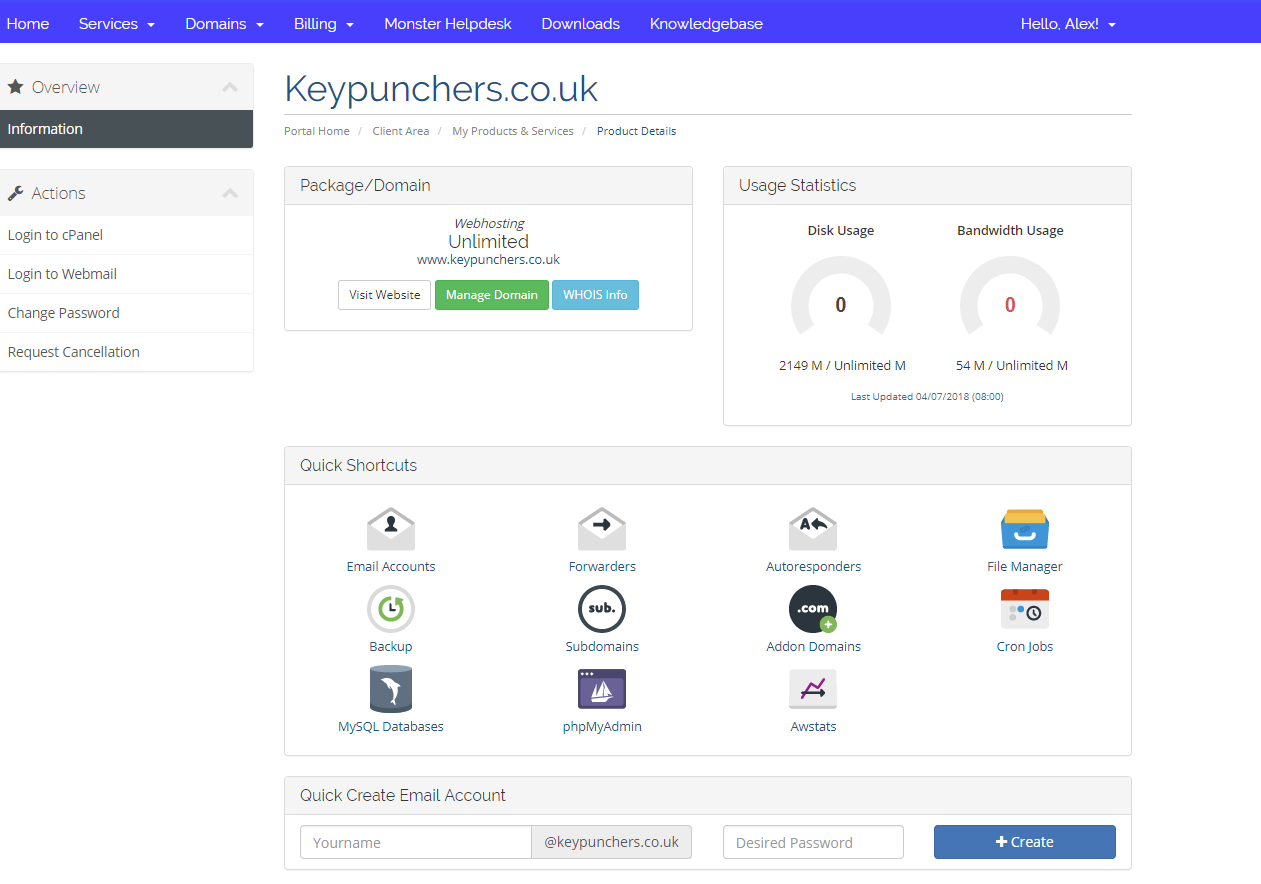
After you click on the "Unlimited","Standard Site", "ECommerce Site", "Starter Business" it will then take you to the next page.
This page allows some easy to use features & create an email easily (if you are not on office 365). To login to your control panel click "Login to Cpanel" on the left hand side.