
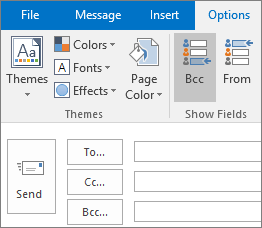
Step 1: Open a new email click on the "Options" tab then "From".
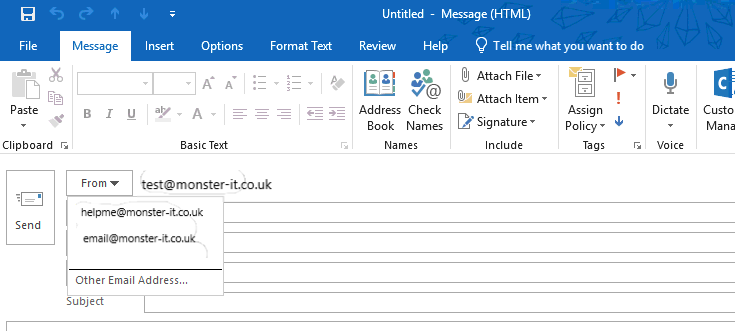
Step 2: It will now show the "From" field above the "To" field. Click on the drop down arrow and select "Other Email Address..."
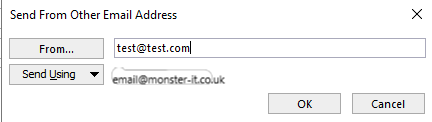
Step 3: You will now have a pop up box called "Send From Other Email Address" in the "From" Field type your email you wish to send from (this can only work if you have permission to send from this address). Then click "OK".
You can now change the send from address on email's to suit which email you want to send from.